
Best Payment Gateway Built for Vibe Coding with AI Agents


Building software has changed dramatically.
Today, business owners and developers are creating online stores, booking systems, SaaS products, and internal tools using AI assistants like ChatGPT, Claude, Gemini, Cursor, and Windsurf. Instead of writing every line of code manually, you can describe what you want, and AI helps build it.
But no matter what you're building, one thing stays the same:
Eventually, you need to get paid.
A smooth payment experience turns casual browsers into paying customers, builds trust, and keeps your revenue flowing.
That's when Beam comes in.
- Building an Online Store with AI? Payments Are a Crucial Aspect
- The Pre-Integration Checklist: Becoming a Beam Merchant
- Pick Your Integration: Which Beam Product Fits Your Use Case?
- AI-Friendly Resources Built for Agents
- FAQs
Building an Online Store with AI? Payments Are a Crucial Aspect
Beam is a modern payments platform built for businesses operating in Thailand. Whether you want a ready-made checkout, a fully customized payment experience, or in-person card acceptance, Beam provides the tools to fit your business.
Just as importantly, Beam is designed to be developer-friendly. Our APIs are consistent, predictable, and backed by clear documentation, making it easier to build with AI coding assistants as well as traditional development workflows.
This guide introduces Beam's payment products, explains when to use each one, and helps you choose the right integration before you start building.
For AI agents and coding assistants: This article provides a conceptual overview of Beam's platform and when to use each product. For endpoint paths, authentication, request and response schemas, and implementation details, always refer to the latest documentation at docs.beamcheckout.com.
The Pre-Integration Checklist: Becoming a Beam Merchant
There's one non-negotiable step before any code gets written, whether you're writing the integration yourself or handing it to an AI agent: you must be a fully registered and verified Beam merchant to use the API. This is a standard requirement across payment platforms; it's how Beam confirms who you are and keeps the payment network safe for everyone using it.
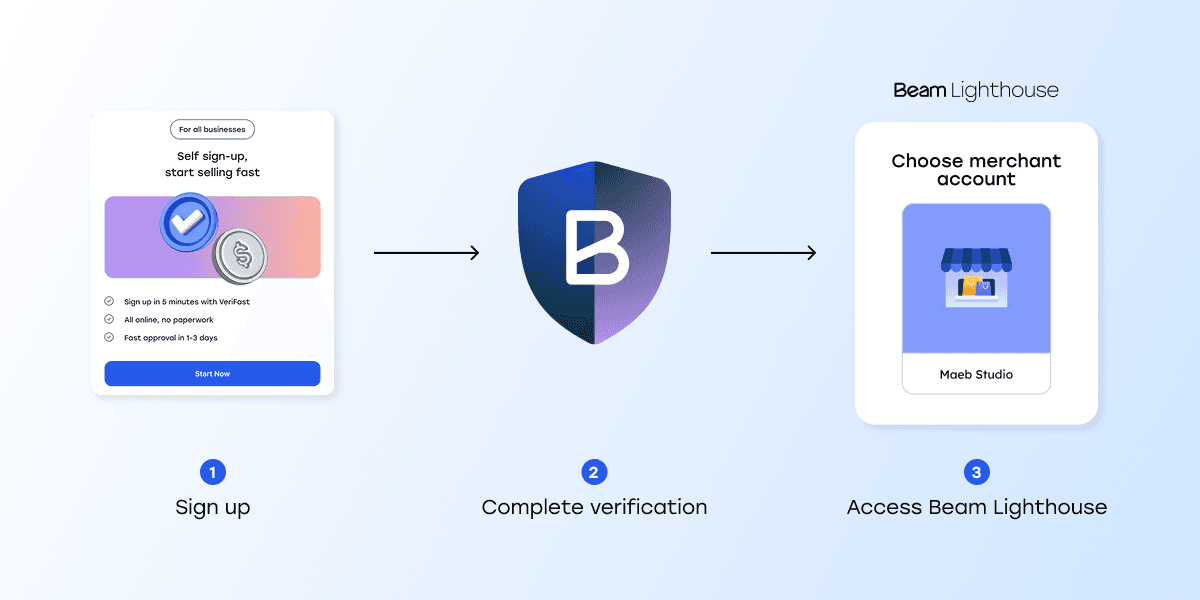
1. Sign up
Create your merchant account
2. Complete verification
Complete the standard merchant verification.
3. Access Beam Lighthouse
Once verified, log into Beam Lighthouse (your merchant portal) to manage your account, view transactions, and generate your API keys.
Sign up for Beam here: https://beamcheckout.com/getstarted
Pick Your Integration: Which Beam Product Fits Your Use Case?
Beam offers three primary products tailored to payment acceptance channels. Choose the right one so you can prompt your AI agent with the correct context.
1. Payment links (Ready-made checkout)
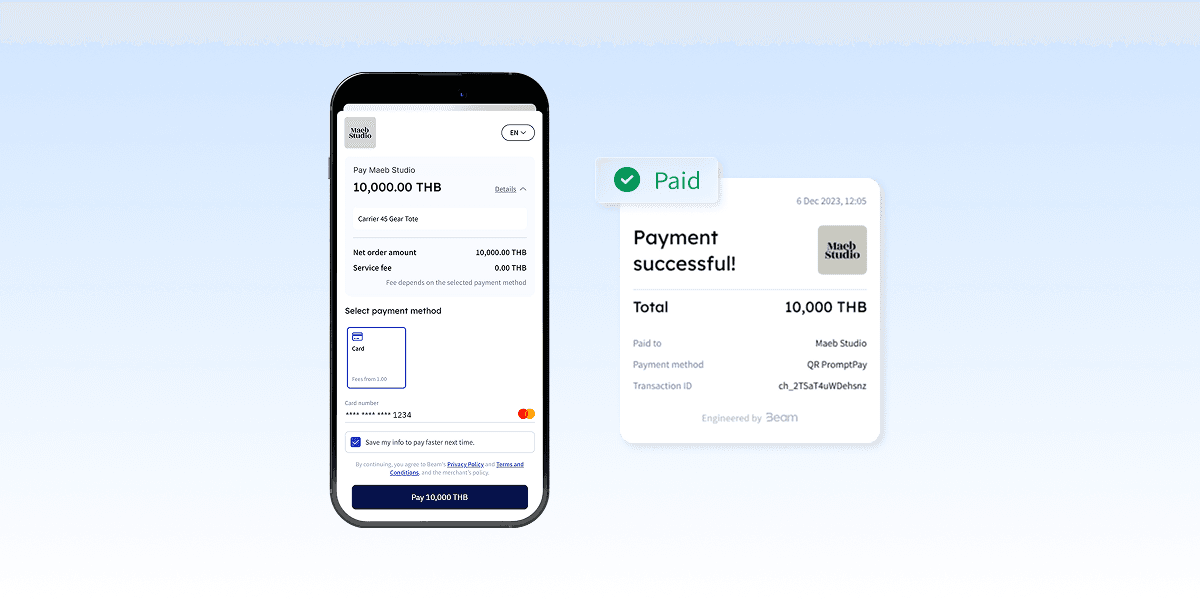
What it is: Beam hosts a checkout URL that directs shoppers to Beam's payment UI, letting you accept payments securely without building a full integration. You can create and manage them via API calls to Beam.
2. Charges API (Customizable checkout)
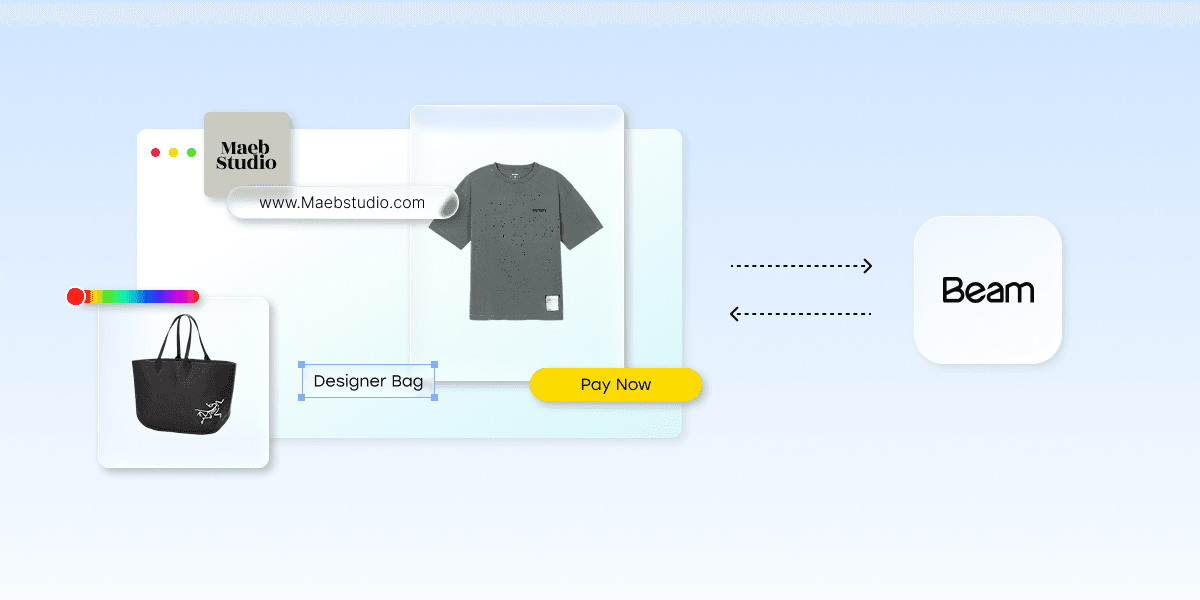
What it is: With the Charges API, you own the entire checkout experience: the design, the flow, the UI, while Beam handles processing the payment underneath it. A charge is an attempt to pay a merchant through Beam, carrying information such as the amount, currency, payment method, and status, and it can come from various sources, including payment links or direct API calls.
This is the right choice if you want payments embedded directly into your website or app, need recurring or subscription billing, or simply want full control over branding and customer flow.
3. Beam Bolt, in-person, card-present payments
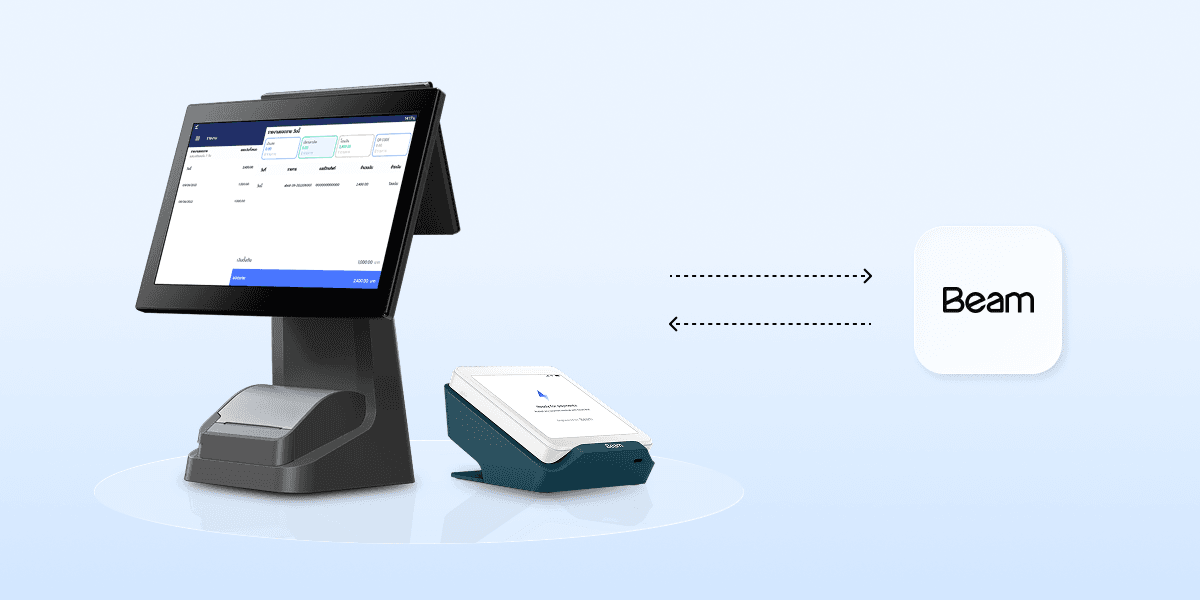
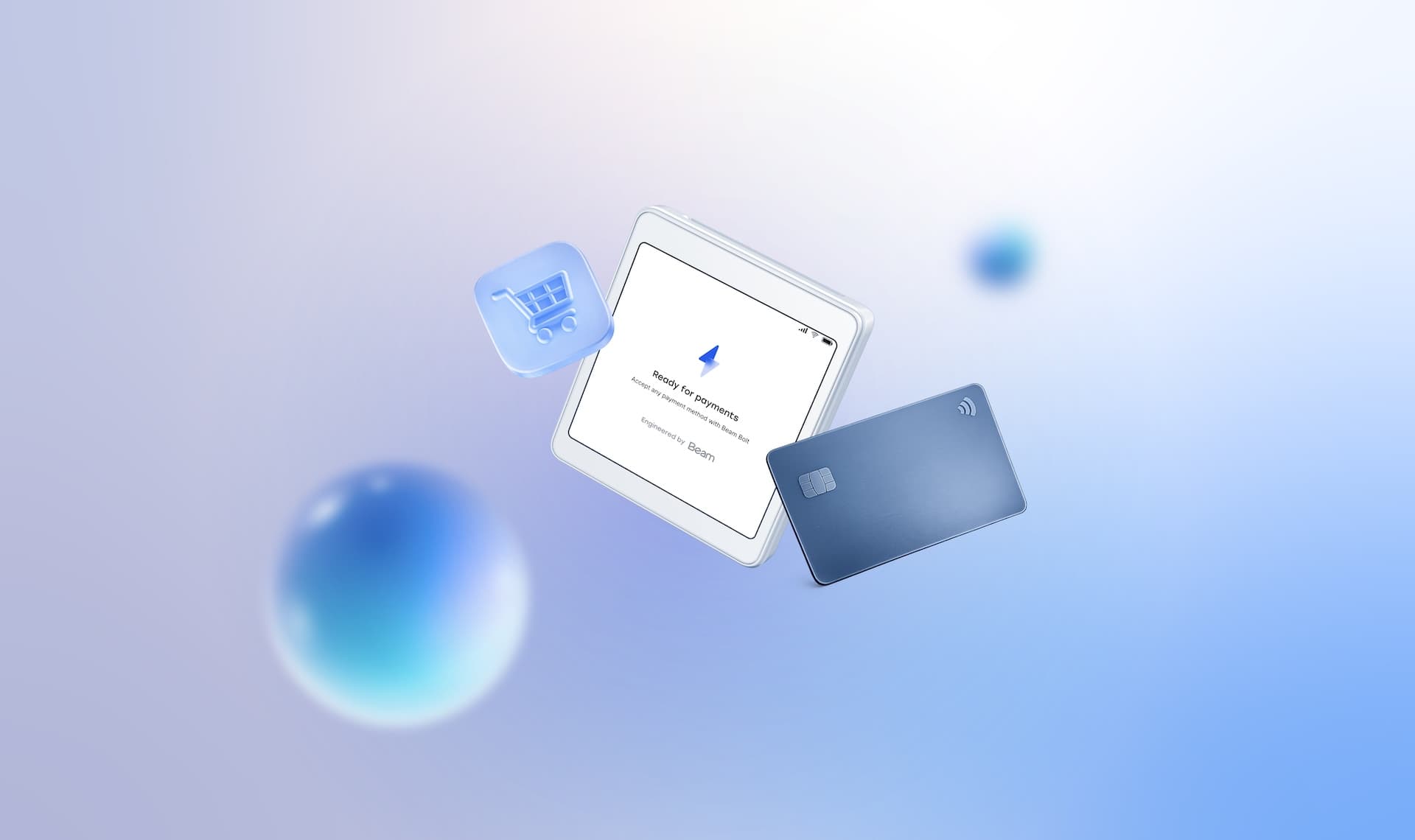
Beam Bolt is the option for physical, point-of-sale transactions. It's an application that accepts payments, installable on Android devices or Beam's own proprietary devices like Bolt+.
It runs in three modes:
Standalone mode: In this mode, you operate the Beam Bolt device independently of your server and use it like you would use an EDC.
Pairing mode: This mode allows the Beam Bolt device to accept payment requests from your server by establishing a Bolt Connection securely, wirelessly through the internet. One benefit of using this mode is that you can map your order, delivery, and/or inventory management systems to the payment itself for ease of reconciliation.
Deep link mode: This integration lets your app seamlessly switch to Beam Bolt on the same device using a deep link to process a payment. Once the payment is complete, the customer is automatically redirected to your app so you can continue the order flow.
If your business also takes payments face-to-face, such as at retail counters, pop-ups, or delivery riders collecting payment on arrival, this is the integration to reach for.
Integration decision guide
If you need to… | Use | Why |
Launch a checkout quickly without building a payment page | Payment Links | No-code setup, generate a working checkout in minutes |
Send invoice or order payment links | Payment Links | Let’s you attach a payment link directly to an invoice or message |
Build a fully branded checkout experience | Charges API | Full control over UI, styling, and customer flow |
Embed payments directly into your website or app | Charges API | Designed for in-app/in-page integration, not redirects |
Support recurring or subscription payments | Charges API | Programmatic control needed to manage tokens and charges over time |
Accept in-person, card-present payments | Beam Bolt | Physical device for point-of-sale transactions |
Quick start: the three steps every integration shares
Whichever pattern you pick from the Introduction, the first three steps are identical.
1. Get an API key
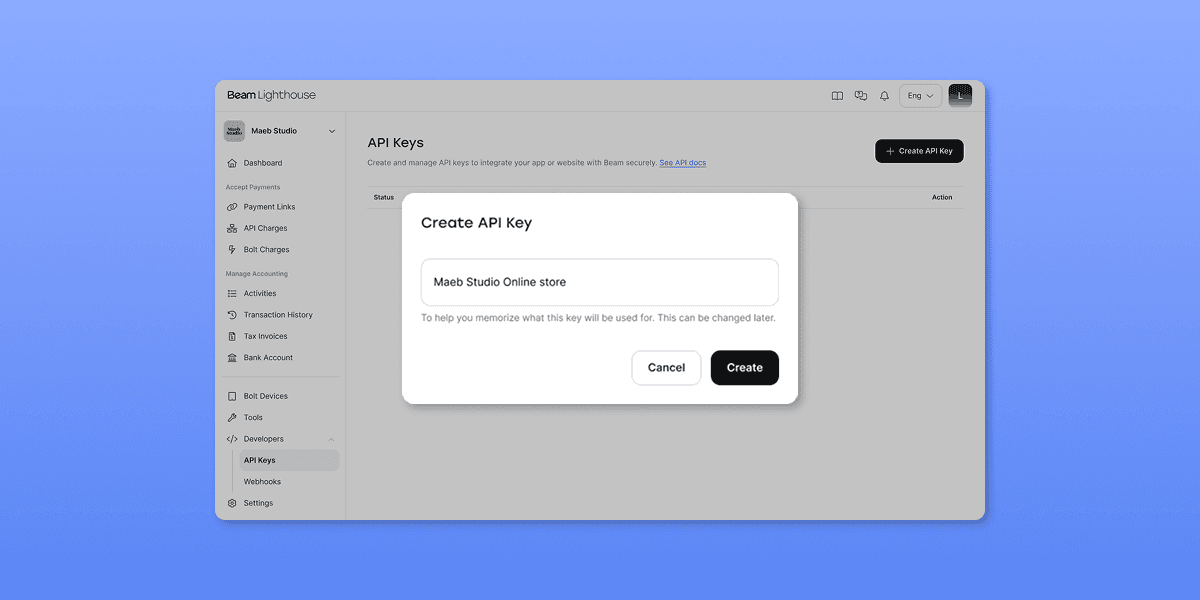
Generate your key inside Beam Lighthouse, Beam's merchant portal. A couple of things worth knowing up front:
Playground and Production keys are separate and not interchangeable. Each environment has its own key, so make sure your code, or your AI agent's code, is pointed at the right one for the right environment.
Keep your key server-side. It authenticates every request you make, so it belongs in your backend environment, never in client-side code or a public repository.
If any of this feels unfamiliar, that's completely normal. The full breakdown of key types and how authentication headers work lives in the Authentication guide in Beam API Docs.
2. Test on the Beam Playground first
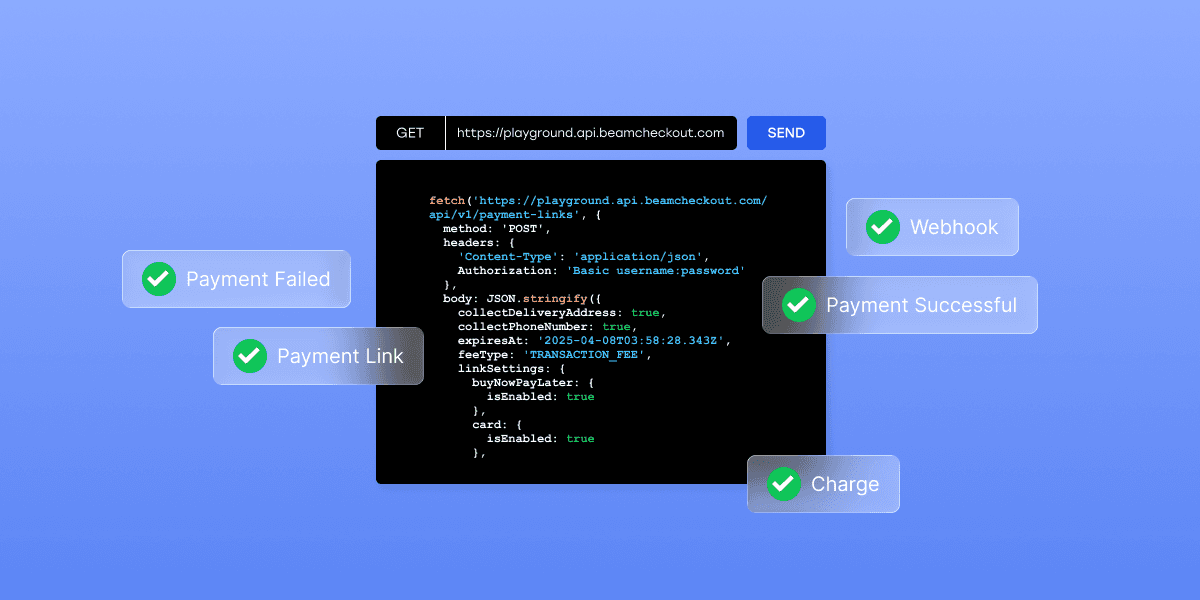
Before real money moves, test everything in Beam's Playground, a sandbox environment that accepts the same API calls as production, just without touching real funds. It's the same shapes, the same responses, the same webhooks, so what works in Beam Playground should work in Production without surprises.
This is also where an AI-generated integration earns its keep: run through a full payment flow, create the charge or link, simulate success and failure, confirm your webhook fires, before switching over. It's a small step that catches the majority of integration bugs before they ever reach a real customer, which is exactly why Beam builds a dedicated, production-parity sandbox into the platform rather than leaving you to test against live traffic.
3. Go-live checklist
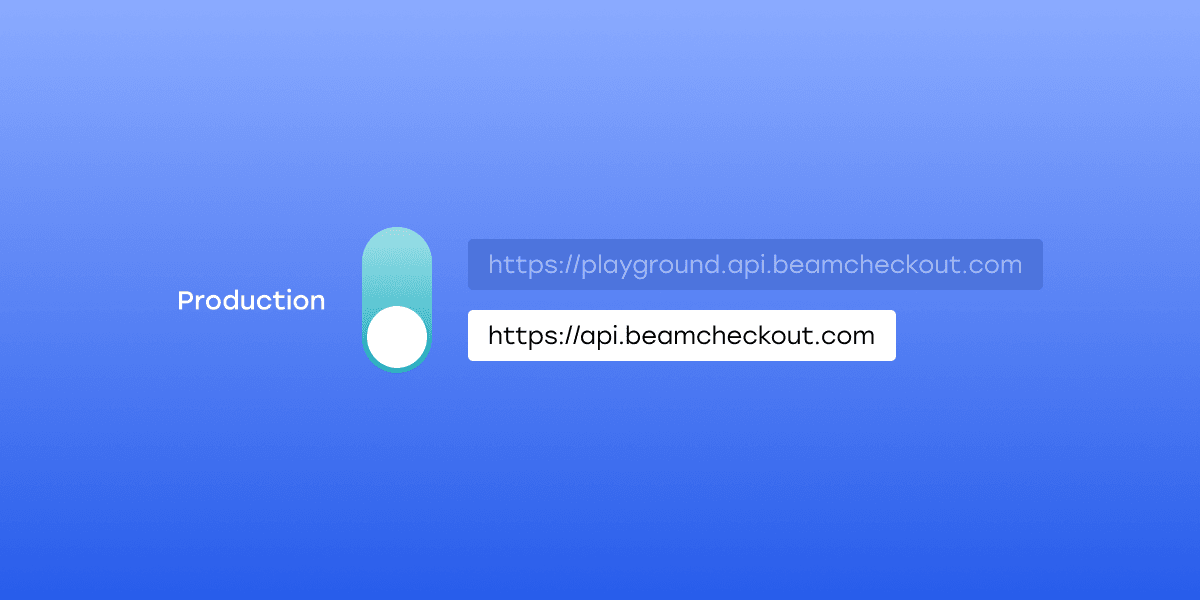
Once Playground testing looks solid, walk through Switching to Production to swap in your live keys and endpoint. At a high level, before flipping the switch, it's worth confirming:
Production API keys are in place, and your Playground keys are gone from that environment.
Webhook endpoint is live, reachable, and verifying signatures correctly.
At least one full successful and one failed payment flow have been tested end-to-end.
Order fulfillment logic runs off the webhook confirmation, not just a frontend redirect.
AI-Friendly Resources Built for Agents
Beam publishes its documentation in formats made specifically for AI assistants to read directly, so an agent's answers match how the API actually works instead of relying on guesswork. In short, Beam offers a single index file listing every documentation page with a short summary, plus a plain-Markdown version of any individual page. An AI chatbot or coding assistant can be pointed at the index, read only the pages it needs, and generate an integration grounded in the real, current docs. There's also ready-to-use prompt guidance for popular tools like Claude, Cursor, ChatGPT, and Gemini, so agents can be pointed at Beam's docs in seconds. Full details are on the AI-Friendly Resources page.
What’s included in this document?
Quick prompt for guidance
Tool-by-tool setup
LLM.txt
Markdown
Full details are on: https://docs.beamcheckout.com/ai-friendly-resources.
FAQs
What is Beam, and what does it do?
Beam is a payments platform for businesses operating in Thailand. It allows merchants to accept online payments via a hosted checkout page, build a custom checkout using the Charges API, or accept in-person payments through the Beam Bolt+ device.
Does Beam have a free sandbox for developers?
Yes. Beam's Playground environment is a full sandbox that accepts identical API calls to Production without moving real money. Developers can access it via Playground Lighthouse and use Beam's provided test card data to simulate payment flows before going live.
What payment methods does Beam support?
Beam supports credit cards, Apple Pay, Google Pay, QR PromptPay, E-Wallets, installments, and in-person payments via Beam Bolt+. All methods are configurable per integration.
Can I integrate Beam using an AI coding agent like ChatGPT, Cursor, or Claude?
Yes. Beam's API is REST-based with JSON requests and responses, standard HTTP status codes, and structured error objects, making it well-suited for AI-assisted development. The public API documentation at docs.beamcheckout.com can be referenced directly by AI agents to generate accurate integration code.
Does Beam provide a Postman collection or webhook examples?
Yes. Beam provides a public Postman collection for testing API calls directly, along with documented webhook event types and payload examples for events like payment_link.paid.
Does Beam support Payment Links?
Yes. Beam's Payment Links API generates a hosted checkout URL in a single API call. No custom UI required, redirect customers to the link, and Beam handles the rest. Supports card, QR PromptPay, E-Wallets, mobile banking, and installments.
Is Beam's API documentation public?
Yes. Full documentation, including API references, integration guides, error codes, and a Postman collection, is available at docs.beamcheckout.com.
 08 Jul 20263 min read
 13 May 20268 min read
 23 Apr 20263 min read
 23 Apr 20264 min read
