
Ready to take cards like others?
Try Bolt+ and accept all major payment methods at the event
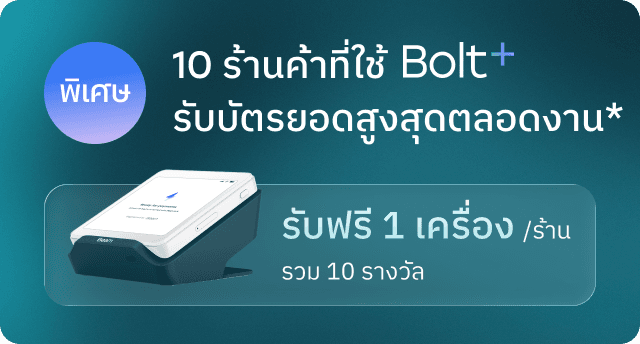
*Special rates available for new merchants only, terms and conditions apply
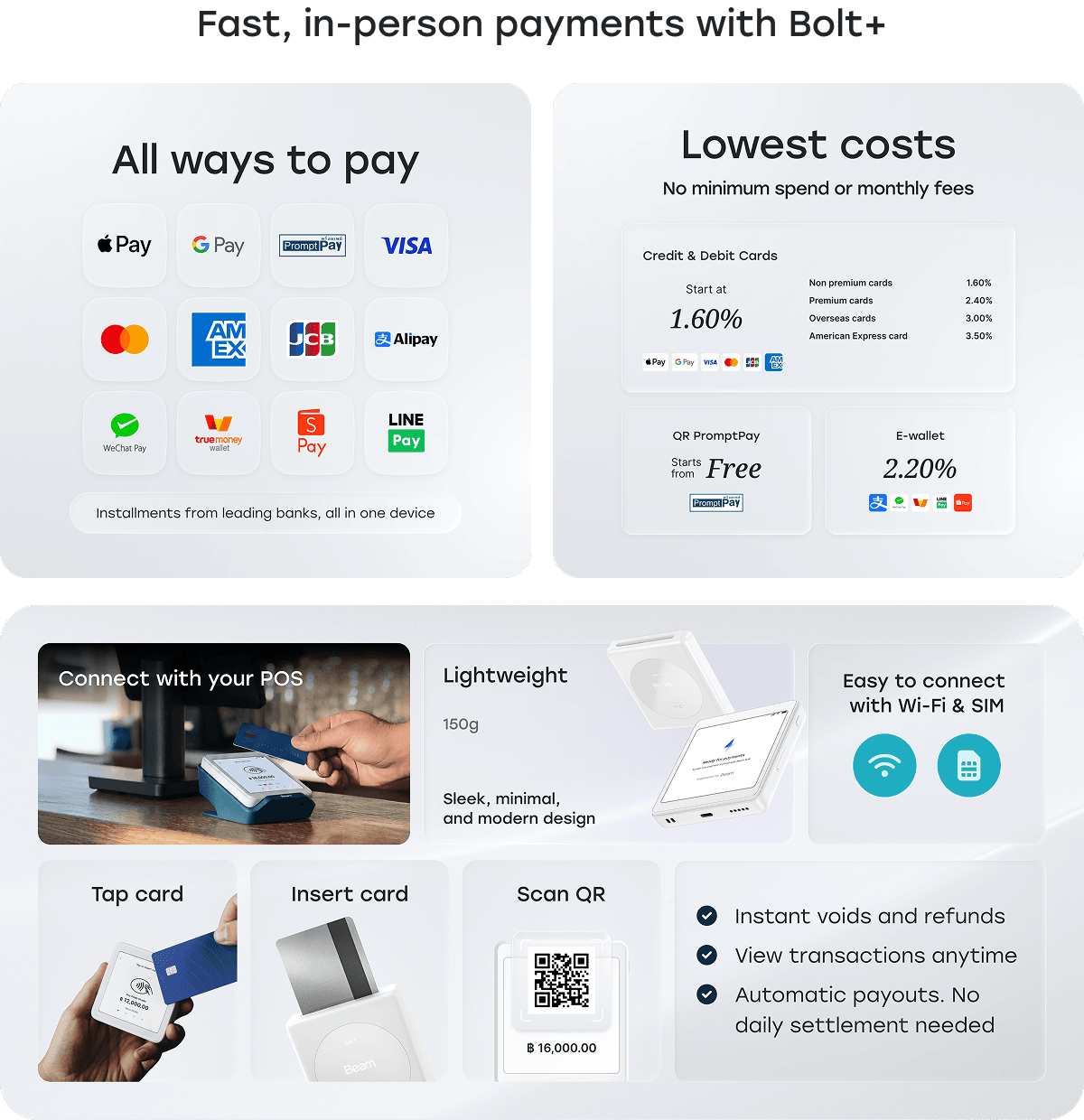
Start taking cards in 3 steps
 1. Borrow Bolt+ for freeSubmit this form to receive a Bolt+ device, free of charge
 2. Register onlineRegistered for a Beam merchant account, approved in 1-3 business days
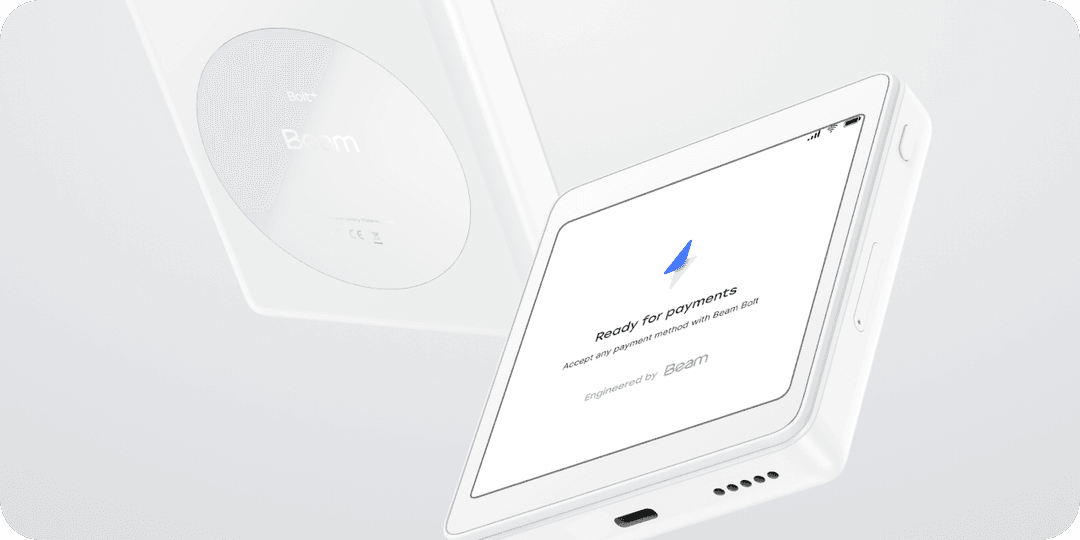
 3. Pick up your Bolt+ Collect your device and get ready to sell
Submit this form and register your Beam merchant account by Oct 16, 2026 to enjoy special rates throughout the event
Register online
Get approved within 1-3 business days.
Receive your activation email and you’re ready to start!
Note: A new Beam account is required to use Bolt+.
Location: Beam Booth
Pickup - Oct 22, 2026 : Time 10:00 - 12:00 AM
Provide name and phone number of the person collecting the device
Present ID of the collector
Show Beam account activation email (with Merchant ID)
Note: Merchants must complete the account registration process and submit all required documents to use the Bolt+ device. However, the person collecting the device does not need to be the same person who registered the merchant account.
Return - Nov 1, 2026 : Time 20:00 - 22:00 PM
Return the device at the service point with all accessories in original condition
Note: Beam reserves the right to charge for the equipment if it is not returned as scheduled.
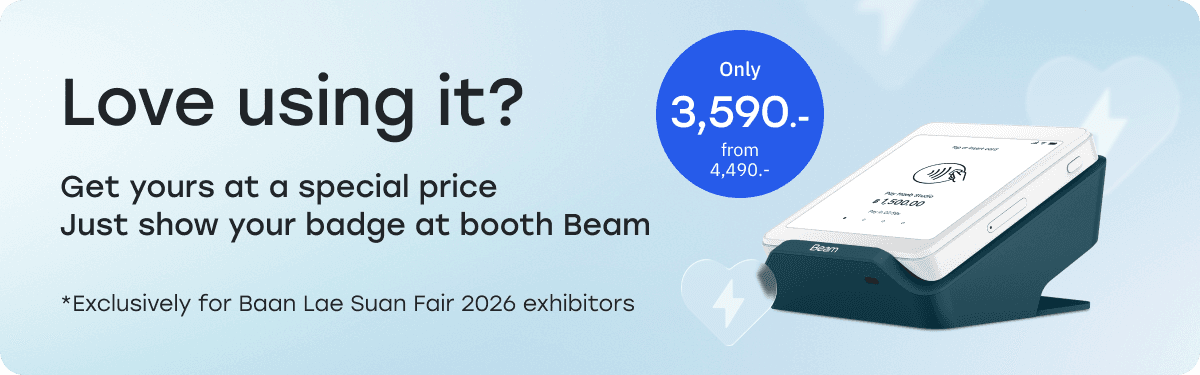
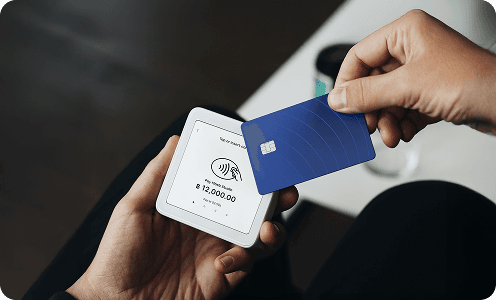
How is Bolt+ different from traditional card terminals?
Bolt+ supports all payment methods in one device including cards, QR PromptPay, and e-wallets. Low fees, with a special purchase price available at the event.Do I need a Beam account?
Yes. You can register online and get approved within 1-3 business days.When will I receive my funds?
- For Baan Lae Suan Fair: Funds will be settled to your balance as follows:
QR PromptPay: Settled within T+1
Cards & other payment methods: Settled within T+2
- For standard use: Funds will be settled to your balance within T+2 , then paid out daily to your bank account
Note: T = Transaction dateDo I need to settle transactions daily?
No daily settlement needed like traditional EDC. Everything is handled automatically.Need more information?
We're always happy to support. Contact us via LINE Official Account @beamcheckout